

Application and Database Backup and Recovery
For databases and applications, the best backup is often the application's own — RMAN for Oracle, native tools for MSSQL, MySQL, PostgreSQL, and DB2. Storware runs those methods on a schedule, captures the artifacts, and centralizes them under one platform's policies, immutability, and destinations.
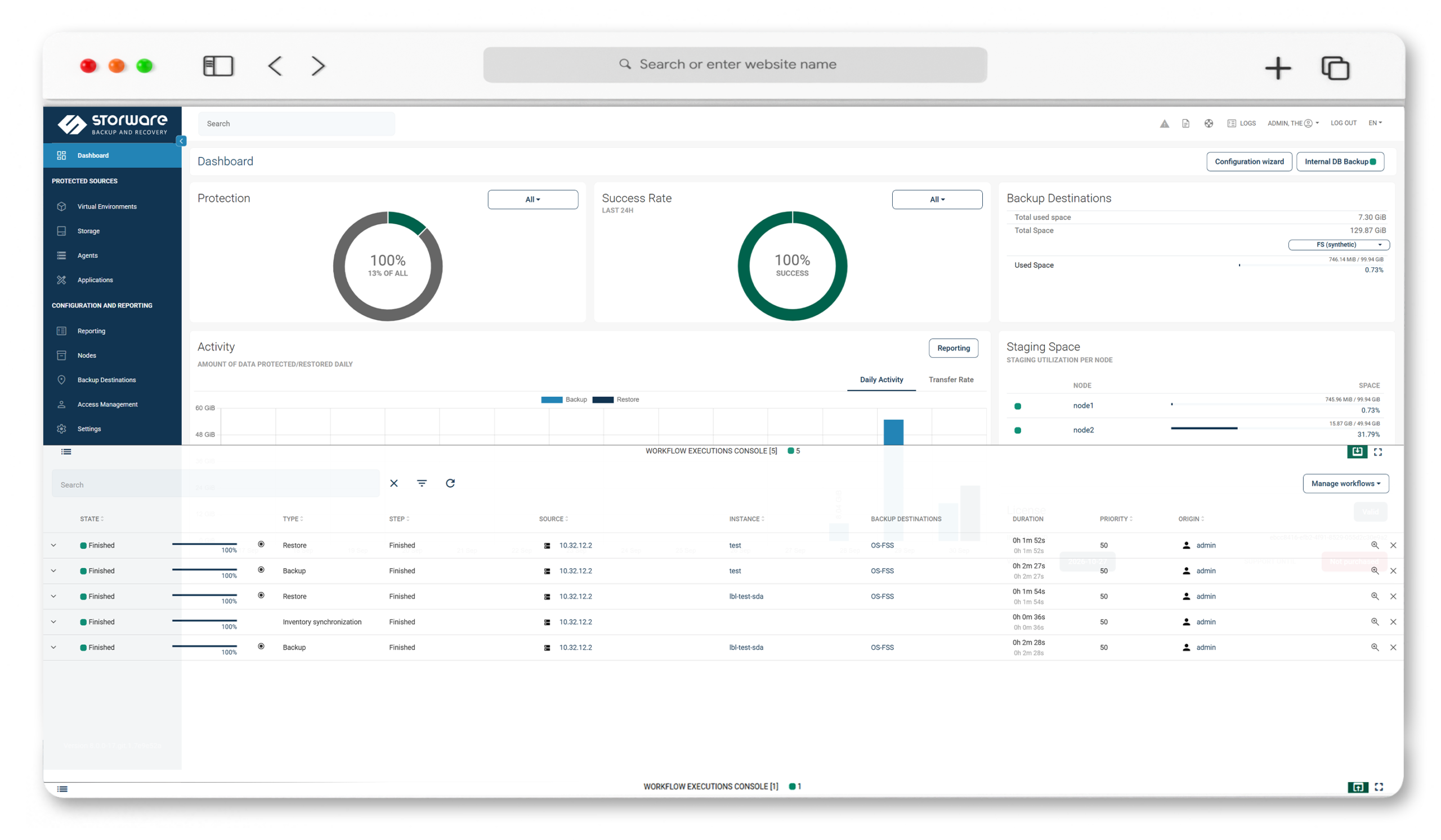
Key Highlights

Application-native, centrally managed
Orchestrate each application's own backup method — RMAN, database dumps, custom commands — and manage them all from one console.

The databases you run
MSSQL, MySQL/MariaDB (incl. MariaDB 11.8 LTS), PostgreSQL, DB2, and Oracle DB, plus Relax-and-Recover (ReaR) and Git — with pre-built templates for common cases.

Templates or your own scripts
Start from a pre-built artifact for a common application, or wrap any command that produces a backup — anything presentable as a file is protectable.

When VM-level isn't enough
For transactional consistency and granular database recovery, application backup reaches where snapshot-based VM backup can't.
Application and database protection
Generic application backup mechanism
Run a custom script or any backup command that produces artifacts — or initiates an external process — on a remote host, and store the results to your backup provider.
Pre-built templates for common applications
Predefined artifacts for widely used databases and applications, configured to your environment through a setup wizard.
Database coverage
MSSQL, MySQL/MariaDB (MariaDB 11.8 LTS), PostgreSQL, DB2, Oracle DB (via RMAN), Relax-and-Recover (ReaR) for bare-metal recovery, and Git.
Orchestrate native tools like RMAN
Initiate the database's own backup engine on schedule — Storware captures and manages the output rather than reinventing it, preserving the transactional consistency the DBA relies on.
Files and objects on remote hosts
Protect files on physical, virtual, or container hosts — shares, mounted object-storage buckets, LVM block devices, or anything that can be presented as a file.
Policy-driven scheduling and Recovery Plans
Apply backup policies and schedules, and verify recoverability with Recovery Plans instead of assuming it.
Centralized management and destinations
One browser-based console; write to file systems, S3-compatible and cloud object storage, or enterprise backup platforms, with immutability where the destination supports it.
One platform, one universal license
Application and database backup alongside VMs, cloud, containers, and storage — under a single license, not a separate database product.
Technology partners






Our Interactive Architecture
Whether you manage infrastructure, automate deployments, or lead IT strategy, Storware works the way you work.

Click any category to expand · Click a solution for details & demo booking
Your database already knows how to back itself up.
RMAN, native dumps, log shipping — databases ship with backup engines built for transactional consistency. The gap isn't the method; it's the sprawl of running each one separately. Storware closes that gap.

Use the right method
Storware initiates the application's own backup — the transactionally consistent one your DBA already trusts — instead of forcing a generic snapshot over it.
Centralize the result
Every artifact lands under one policy engine, one schedule, one set of destinations, and one immutability model — not a per-database island.
Prove recovery
Recovery Plans test that application and database backups actually restore, on the same platform that protects your VMs and cloud.
Application and database backup with Storware
See Storware orchestrate an application's native backup — from a pre-built template or a custom script — and centralize the artifacts under one policy engine and destination set.
Frequently Asked Questions
Which databases does Storware back up?
MSSQL, MySQL/MariaDB (including MariaDB 11.8 LTS), PostgreSQL, DB2, and Oracle DB, along with Relax-and-Recover (ReaR) for bare-metal recovery and Git — via pre-built templates or custom configuration.
How does application backup work?
Storware provides a generic mechanism: a custom script or any command that produces backup artifacts (or initiates an external process such as RMAN) runs on a remote host, and the results are stored to your backup provider. Pre-built templates cover common applications.
Does Storware replace my database's native backup?
No. It orchestrates and centralizes it. Storware initiates the application’s own backup method and manages the artifacts under its policies, schedules, and destinations — you keep the transactional consistency of the native tool.
Can I protect an application that isn't on the list?
Yes. Any command that produces a backup artifact can be wrapped, and anything presentable as a file — including mounted object-storage buckets and LVM block devices — can be protected.
When should I use application backup versus VM-level backup?
Use application backup when you need transactional consistency or granular database recovery. VM-level backup protects the whole machine; both run on the same platform, so you can combine them.
Where are application and database backups stored?
On file systems, S3-compatible and cloud object storage, or enterprise backup platforms — with immutability where the destination supports it.
Do I need a separate license for database backup?
No. Application and database protection is covered by the same universal license as the rest of the platform.
Can I test that database restores actually work?
Yes. Recovery Plans let you test recoverability in advance rather than discovering problems during an incident.