

Backup and Recovery for Proxmox VE
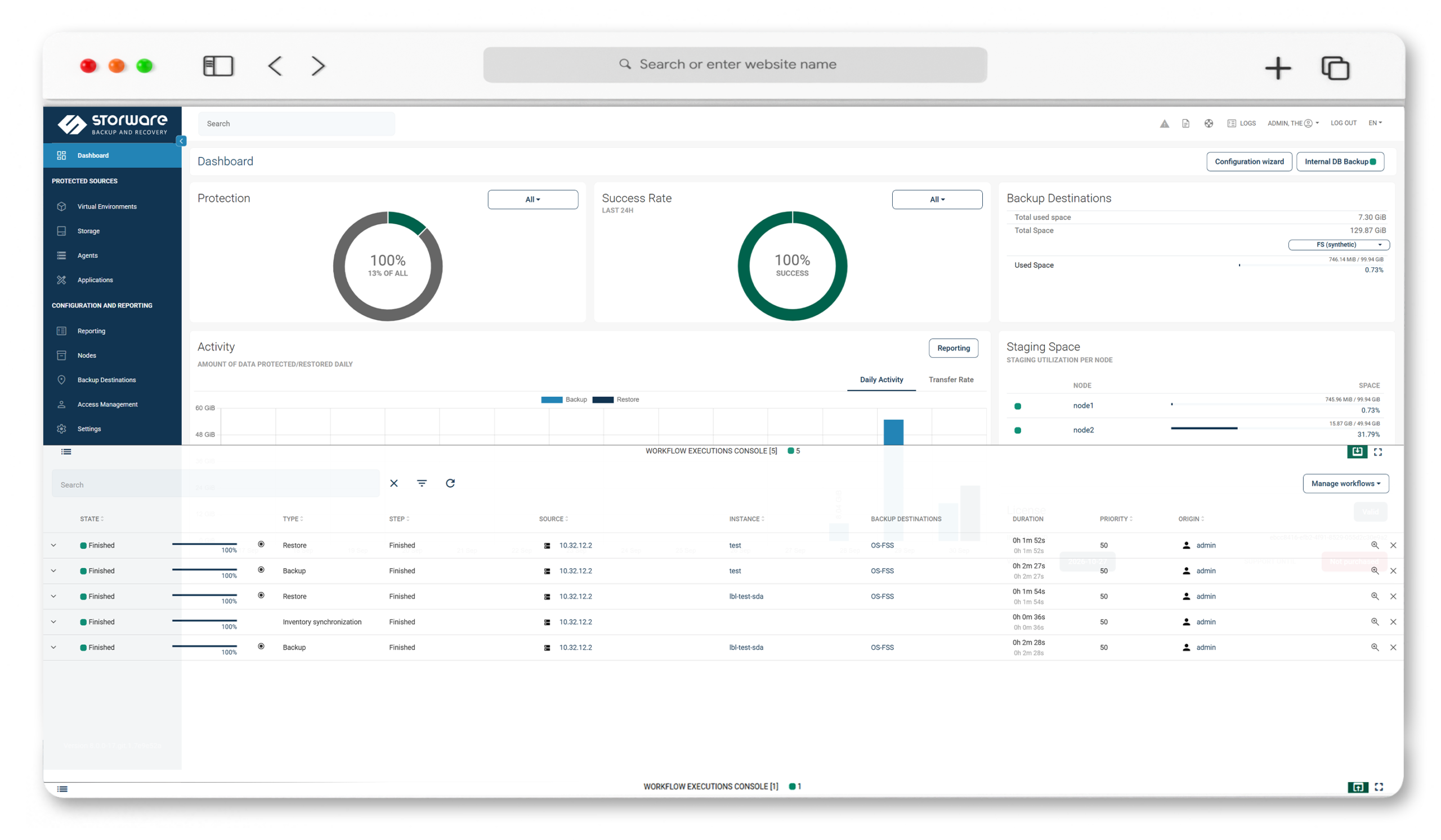
Storware protects Proxmox VE agentlessly — no software installed in your guests, working over SSH to your Proxmox hosts. Full and incremental backups for QCOW2 and Ceph RBD, FS-freeze application consistency, and granular recovery for both virtual machines and LXC containers, under one license across your estate.
Key Highlights
Agentless, over SSH
No agents to install or maintain in your VMs or containers. Storware works over SSH to your Proxmox hosts.

VMs and containers
One platform protects Proxmox VE virtual machines and LXC containers, with LVM snapshots for container consistency.

Incremental for QCOW2 and Ceph RBD
The SSH Transfer strategy transfers only block-level differences between snapshots for fast incrementals.

One license across your stack
Protect Proxmox alongside VMware, OpenStack, and more under a single model — freedom, no lock-in.
Powerful Data Protection Features for Proxmox VE
Two backup strategies
SSH Transfer (preferred; QCOW2 and Ceph RBD, with incrementals) and Export storage repository (native VMA export to NFS staging, full backups).
Incremental over SSH
For QCOW2 and Ceph RBD, Storware mounts the last and current snapshots and transfers only the block-level difference.
VM and LXC container protection
Protect Proxmox VE virtual machines and containers from one platform; containers use LVM snapshots for crash consistency.
Application-consistent backups
Filesystem freeze/thaw with guest tools, plus pre/post command execution for databases and custom components.
Granular and file-level restore
Restore full VMs and containers, or recover individual files — including file-level restore from VMA images.
VM disk exclusion and iSCSI
Exclude disks you don't need and share backup disks over iSCSI (SSH Transfer strategy).
Snapshot management
Schedule and retain snapshots by policy and revert VMs from the Proxmox console or the Storware UI.
Immutable, air-gapped security
IsoLayer air-gap, immutable backup destinations, retention lock, RBAC and access management, and Keycloak MFA
Open REST API and multi-node scale
A documented REST API for integration, with scale-out (add nodes) and scale-up (per-node resources) and task load balancing.
Technology partners











See Proxmox VE protection with Storware in action
Protecting Proxmox VE starts with an SSH connection and an export storage repository — from there, Storware runs full and incremental backups for QCOW2 and Ceph RBD, freezes the filesystem for consistency, and recovers VMs, containers, or individual files straight back into Proxmox. Watch the walkthrough for setup, a live backup, and a restore.
Frequently Asked Questions
Is Storware agentless for Proxmox VE?
Yes. Storware installs no agents in your guests or hosts; it operates over SSH to the Proxmox hosts, so SSH access to the hypervisor is required.
Which Proxmox VE versions does Storware support?
Storware documents support across Proxmox VE 7.0–7.4, 8.0–8.4, and 9.0–9.1. Confirm the exact supported versions against the current documentation at docs.storware.eu before deployment.
Does Storware support incremental backups on Proxmox VE?
Yes, through the SSH Transfer strategy for QCOW2 and Ceph RBD, which transfers only the block-level differences between snapshots. The Export storage repository strategy supports full backups.
Can Storware back up Proxmox containers (LXC)?
Yes. Storware protects both Proxmox VE virtual machines and LXC containers; containers use LVM snapshots for crash consistency.
What backup strategies does Storware offer for Proxmox VE?
Two: SSH Transfer (preferred — QCOW2 and Ceph RBD, incrementals, disk exclusion, iSCSI) and Export storage repository (native VMA export to NFS staging, full backups).
Does Storware support application-consistent backups on Proxmox VE?
Yes. Storware uses filesystem freeze/thaw with guest tools and supports pre/post command execution.
What recovery options are available for Proxmox VE?
Full VM and container recovery, file-level restore from VMA images, VM disk exclusion, and power-on after restore — imported directly back into Proxmox.
How does Storware protect Proxmox VE backups against ransomware?
Through immutable backup destinations, IsoLayer air-gap, and retention lock, which keep recovery points from being altered or deleted.