

Backup and Recovery for Oracle Linux Virtualization Manager
Oracle Linux Virtualization Manager (OLVM) is Oracle's oVirt-based, KVM virtualization for Oracle Linux environments. Storware is an Oracle-certified, agentless backup solution: full and CBT-based incremental backups, instant restore, and management from a native "VM Backups" tab inside the OLVM console.
Key Highlights

Oracle-certified
A data protection solution certified for Oracle Linux Virtualization Manager and listed on Oracle Cloud Marketplace.

Native OLVM console integration
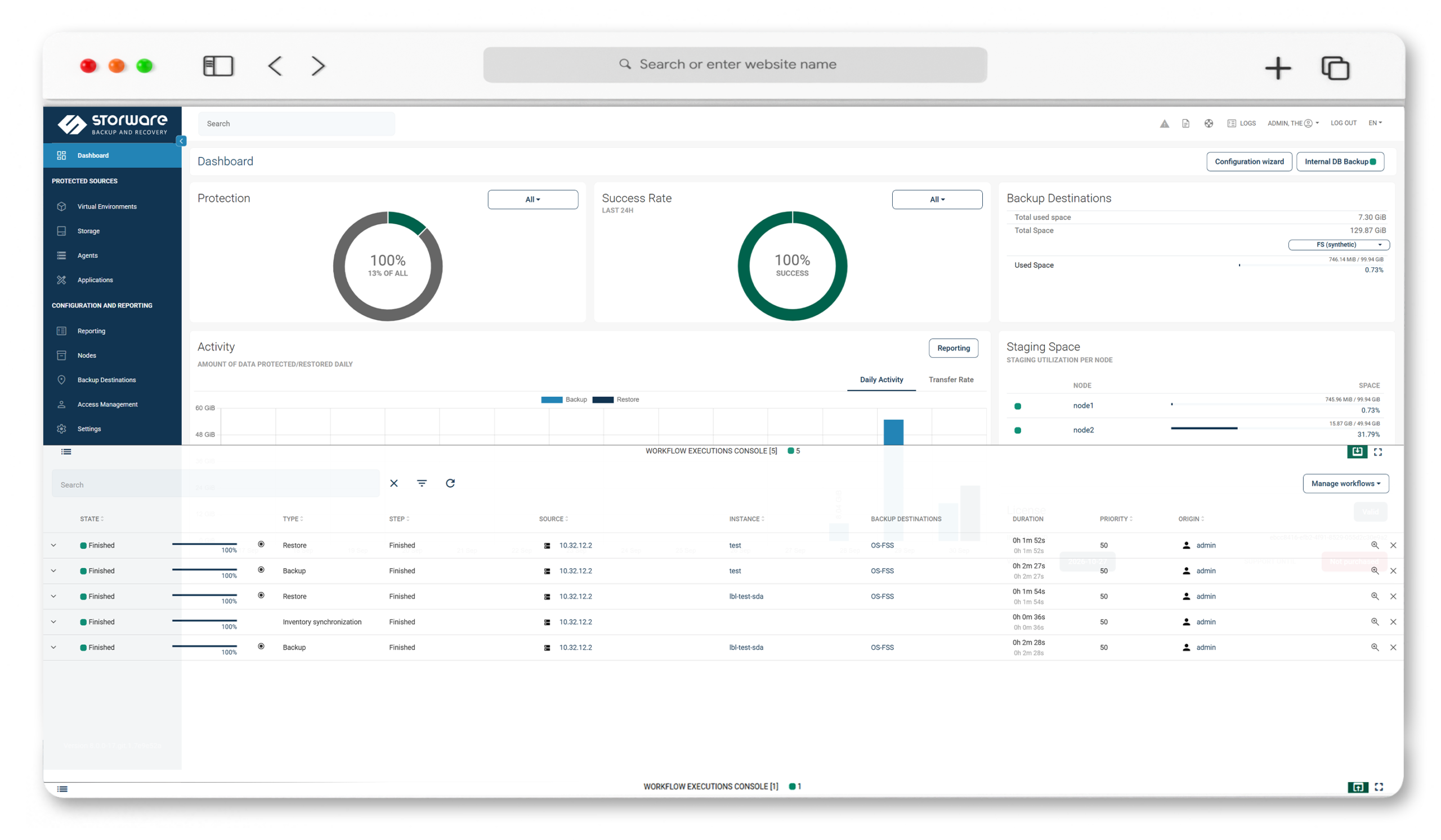
A "VM Backups" tab inside OLVM gives you dashboards, a VM list, and a task console — assign policies and run backups without leaving the Oracle interface.

Agentless, multiple strategies
No agents in your guests. Choose disk attachment, disk image transfer, SSH transfer, or Changed Block Tracking to fit your topology.

Instant restore + live migration
Boot a VM straight from backup as a new storage domain, then migrate its disks to production in the background.
Powerful Data Protection Features for Oracle Linux VM
Multiple backup strategies
Disk attachment (a Proxy VM per cluster reads disks like local drives; OLVM 4.0+), disk image transfer (QCOW2 snapshot chains via the API, incremental, no Proxy VM; OLVM 4.2+), SSH transfer, and CBT.
CBT incrementals
Aligned with Oracle's CBT API introduced in OLVM 4.4, Storware reads only changed blocks, skips zeroed sectors, and creates no temporary snapshots.
Full and incremental coverage
Support for OLVM 4.3 and later, with Changed Block Tracking from OLVM 4.4.
Oracle VM to OLVM migration
Restore workloads from legacy Oracle VM into OLVM, easing the move to Oracle's current KVM-based platform.
Application-consistent snapshots
Live snapshots are taken with quiescing (guest file-system freeze); if no compatible guest agent is present, Storware falls back to a regular snapshot. Pre/post command execution is supported.
Instant restore with live migration
The restore mounts an NFS share from the Storware Node as a new OLVM storage domain and boots the VM immediately; optional live migration moves the disks to production. Requires a synthetic-type destination.
Granular restore and disk exclusion
Recover full VMs (recreated with volumes reattached), restore individual files from mountable backups, access a disk over iSCSI, and exclude drives you don't need.
Open REST API, CLI, and application backup
Automate through the REST API and CLI, and protect Oracle databases and configuration files with custom command execution.
Immutable, air-gapped security
IsoLayer air-gap, immutable backup destinations, retention lock, RBAC and access management, Keycloak MFA, and tape.
Technology partners











See OLVM protection with Storware in action
Add your OLVM manager, choose a backup strategy, and run backups straight from the "VM Backups" tab in the OLVM console — then watch a granular restore and an instant restore that boots a VM directly from backup storage.
Frequently Asked Questions
Is Storware certified for Oracle Linux Virtualization Manager?
Yes. Storware is an Oracle-certified data protection solution for OLVM and is listed on Oracle Cloud Marketplace.
Is Storware agentless for OLVM?
Yes. Storware protects OLVM with no agents inside guests, working through the OLVM API. The disk-attachment strategy uses a Proxy VM with the Storware Node installed in the cluster.
What backup strategies does Storware offer for OLVM?
Disk attachment (via a Proxy VM), disk image transfer (QCOW2 chains via the API, no Proxy VM), SSH transfer, and Changed Block Tracking.
Does Storware support CBT and incremental backups on OLVM?
Yes. Storware supports OLVM 4.3 and later, with Changed Block Tracking from OLVM 4.4 using Oracle’s CBT API — reading only changed blocks, skipping zeroed sectors, and creating no temporary snapshots.
Can I manage backups from the OLVM console?
Yes. Storware adds a “VM Backups” tab to OLVM with a dashboard, a virtual-machine list, and a task console, so you can assign policies and run operations without leaving the Oracle interface.
Can Storware help migrate from Oracle VM to OLVM?
Yes. Storware can restore workloads into OLVM, easing migration from legacy Oracle VM to Oracle’s current KVM-based platform.
Does Storware offer instant restore for OLVM?
Yes. Instant restore mounts an NFS share from the Storware Node as a new OLVM storage domain and boots the VM immediately, with optional live migration of its disks to production. A synthetic-type backup destination is required.
Does Storware also protect oVirt and Red Hat Virtualization?
Yes. OLVM, oVirt, and Red Hat Virtualization are all oVirt-based and are covered on their own dedicated pages.