

Backup and Recovery for Nutanix Acropolis AHV
Storware protects Nutanix AHV agentlessly — driven by the Prism API, through a Proxy VM per cluster, with no in-guest agents and no host OS access. Full and CRT-based incremental backups, granular recovery, and coverage that reaches beyond VMs to Nutanix Volume Groups and Files, under one license across your estate.
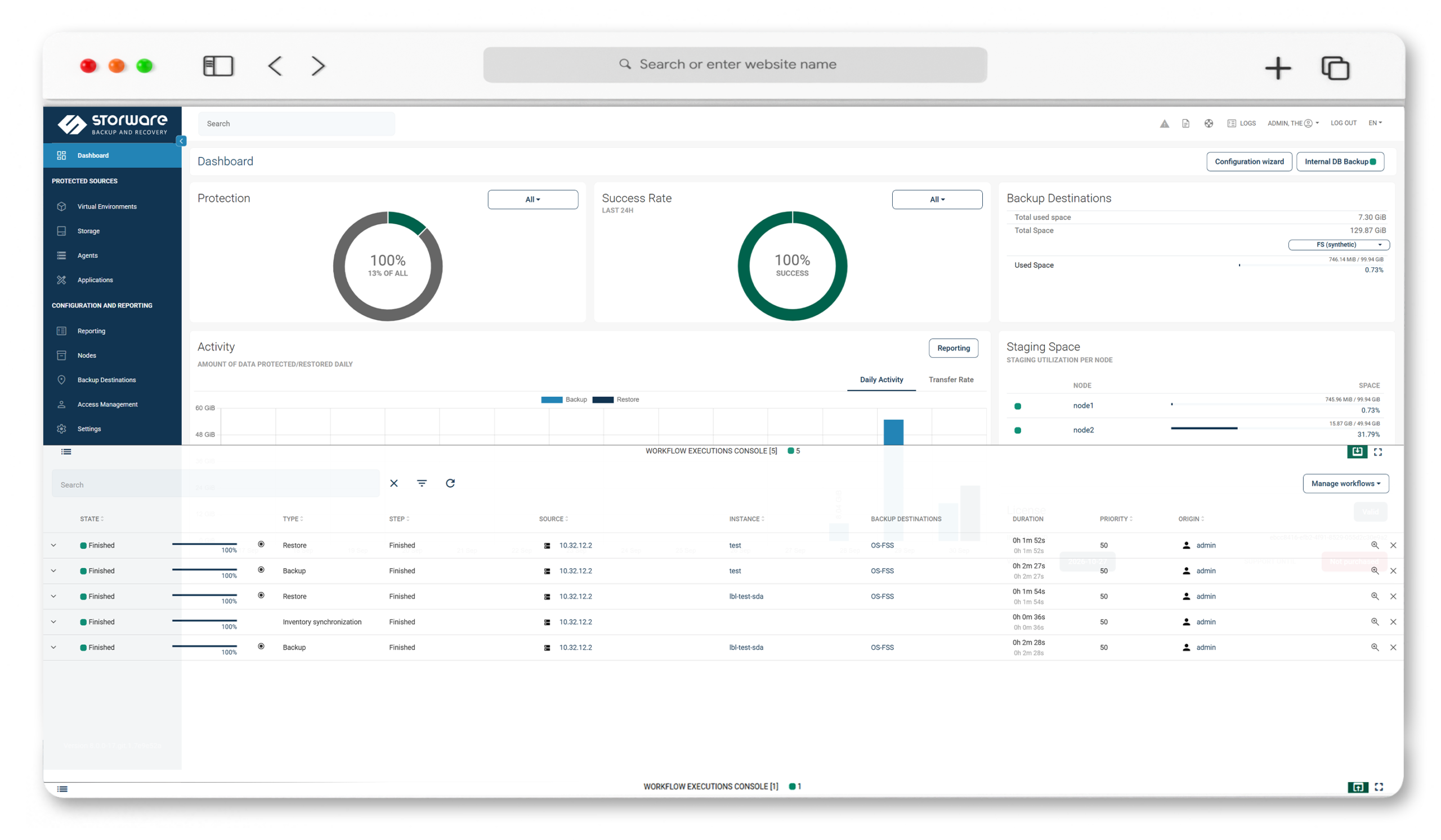
Key Highlights

Nutanix Ready, agentless
A validated Nutanix Ready solution. No in-guest agents, no host OS access — Storware works through the Prism API and a Proxy VM per cluster.

CRT incrementals
Nutanix Changed Region Tracking reads only changed blocks; placing a node per hypervisor uses data locality to speed backups.

Beyond VMs
One platform covers VM disks plus Nutanix Volume Groups (CRT-based) and Nutanix Files (CFT-based) incrementals.

One license across your stack
Protect AHV alongside VMware and Hyper-V under a single model — useful as teams consolidate hypervisors.
Powerful Data Protection Features for Nutanix AHV
Agentless, Prism-driven backup
The Storware Node runs on a Proxy VM in the cluster; it calls the Prism API to snapshot and attach disks, then reads data on the Proxy VM. No agents in guests.
Full and CRT incremental backups
Changed Region Tracking reads only changed blocks; the last snapshot is retained on the cluster as the baseline for the next incremental.
Application-consistent backups
Quiesced snapshots when guest tools are present, with pre/post command execution for databases and custom components.
Synthetic backups
Incrementals are synthesized into complete, independent images — no chain merging at restore time.
Granular and file-level restore
Browse mountable backups for file-level restore, exclude disks, or recreate a full VM and reattach its volumes — to original or alternate location.
Nutanix Volume Groups and Files
Protect Volume Groups (CRT-based) and Nutanix Files shares (CFT-based) from the same platform, configured via the Storage Provider section.
Prism Element and Prism Central support
Register either as the hypervisor manager; tag-based policy assignment is available with Prism Central.
Immutable, air-gapped security
IsoLayer air-gap, immutable backup destinations, retention lock, RBAC and access management, and Keycloak MFA.
Open REST API and two deployment modes
A documented REST API for integration; run Storware as a standalone backup server or as a proxy feeding an existing enterprise backup provider.
Technology partners











See Nutanix AHV protection with Storware in action
Protecting Nutanix AHV starts with a Proxy VM and a Prism connection — from there, Storware snapshots and attaches disks through the Prism API, runs full and CRT-based incrementals, and recovers VMs granularly, without agents in your guests. Watch the walkthrough for setup, a live backup, and a restore.
Frequently Asked Questions
Is Storware agentless for Nutanix AHV?
Yes. Storware protects AHV with no agents inside guests and no host OS access, working through the Prism API and a Proxy VM deployed per cluster. Guest tools are optional and only used for application-consistent snapshots.
Which Nutanix AHV versions does Storware support?
Storware documents support for AHV 6.8, 6.10, 7.3, and 7.5. Confirm the exact supported versions against the current documentation at docs.storware.eu before deployment.
How does Storware perform incremental backups on Nutanix AHV?
Through Nutanix Changed Region Tracking (CRT) via the CBT API, reading only changed blocks. The last snapshot is retained on the cluster as the baseline for the next incremental backup.
Does Storware support Prism Element and Prism Central?
Yes. Either can be registered as the hypervisor manager, using a cluster-admin account on Prism. Tag-based policy assignment is available when using Prism Central.
Can Storware protect Nutanix Volume Groups and Files?
Yes. Volume Groups are protected with CRT-based incrementals and Nutanix Files with CFT-based incrementals, configured via the Storage Provider section.
Does Storware support application-consistent backups on AHV?
Yes. Storware takes quiesced (application-consistent) snapshots when guest tools are installed, and supports pre/post snapshot command execution.
What recovery options are available for Nutanix AHV?
Full VM recovery with volume reattachment, individual disk restore, file-level restore from mountable backups, iSCSI access to VM disk backups, and power-on after restore.
How does Storware protect Nutanix backups against ransomware?
Through immutable backup destinations, IsoLayer air-gap, and retention lock, which keep recovery points from being altered or deleted.